 Bugzio
DOM replay
A rolling buffer of roughly 20 seconds of page changes, pointer movement and scrolling. In the panel it opens as a player with pause and a timeline — it is a DOM recording, not a video file.
Feature
The text says what is broken. The replay shows how it got there. Bugzio attaches a recording of the last seconds of DOM activity, optional screen video with voice, and a step timeline.
No payment card · Unlimited reporters · Interface in 6 languages
Why it matters
A bug nobody can reproduce does not get fixed — it gets postponed until someone complains a second time.
The result: reproduction steps do not have to be guessed — they are already in the report.
What you get
Each layer works on its own. If the browser refuses one of them, the rest of the report is unaffected.
A rolling buffer of roughly 20 seconds of page changes, pointer movement and scrolling. In the panel it opens as a player with pause and a timeline — it is a DOM recording, not a video file.
Up to one minute at 15 frames per second. The reporter chooses what to share in the browser’s own picker; while recording, the widget hides itself so it does not get in the way of reproducing the bug.
Microphone and tab audio are mixed into a single audio track, so both actually play back. Voice can also be recorded on its own, without video — often it is faster than typing.
When the recording stops, keyframes are extracted from it automatically and attached to the report as images. They can be scanned in a single glance.
The recording is saved inside the browser every three seconds. If the reporter navigates away mid-capture, the next page load offers to attach the part that was already recorded.
Clicks and navigations as a list next to the video. It is readable even for someone who does not watch the replay, and it feeds the reproduction steps the AI writes.
The reporter starts the screen and voice recording themselves, and screen sharing goes through the browser’s own dialog. The DOM buffer lives only in the browser and reaches the server only once the report is sent.
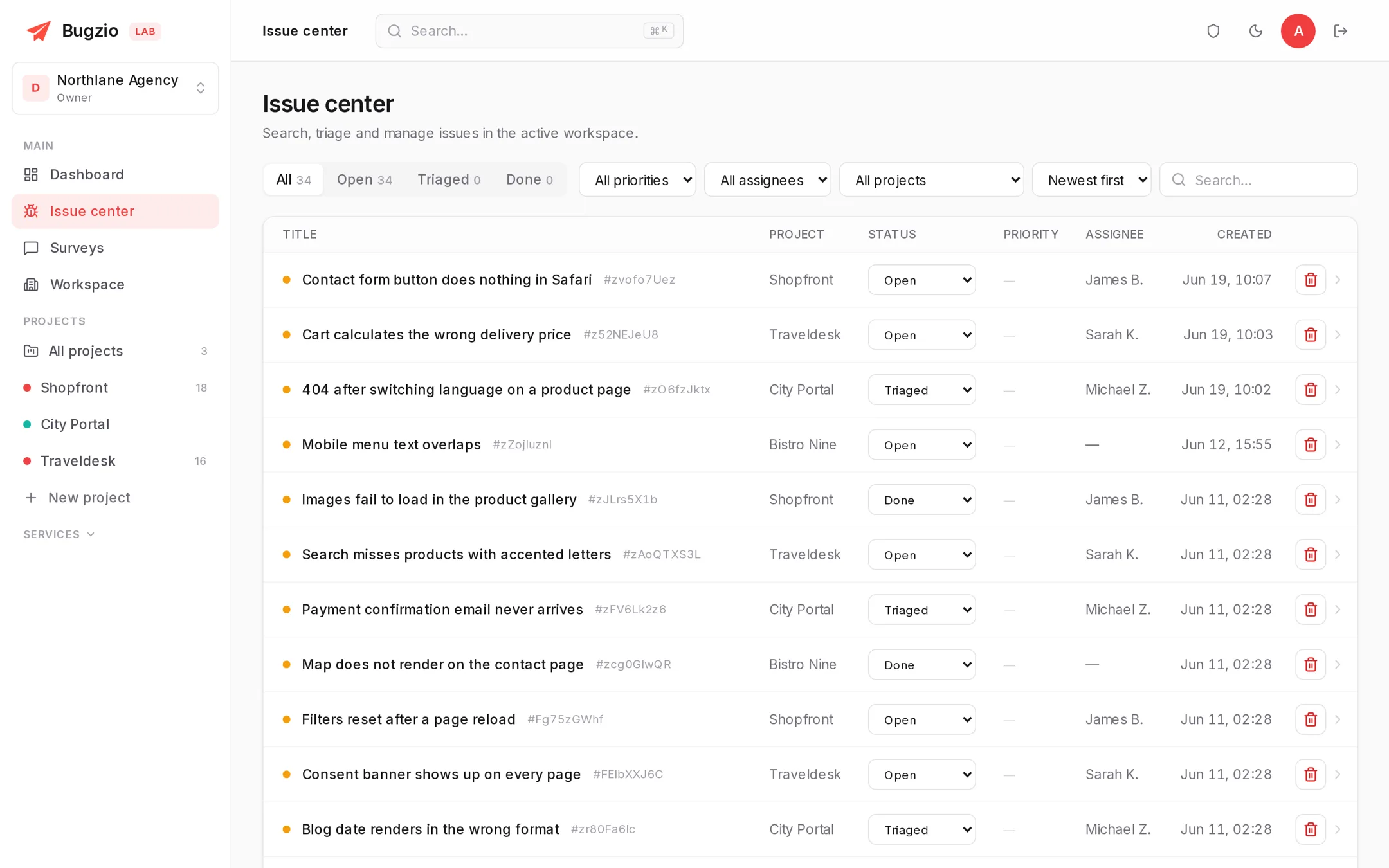
Video, keyframes and the timeline sit in the same view as the description and the console — nothing to hunt for in another tool.
How it works
The reporter does not need to know what session replay is. They just report a bug.
The DOM buffer runs from page load and constantly overwrites itself, so only the last seconds are ever kept.
A screen recording or voice — if they want to. Without either, the report still goes out with the screenshot and the console.
Replay, video, keyframes and steps are in one report view together with the technical data.
Related features
Each of these adds a layer to the same record, so the panel keeps one report per bug, not one per feature.
A widget that captures the screenshot, the console, network requests and the environment in one click.
Turns the captured evidence into a title, reproduction steps, a priority and a category.
Your logo, your colour, your domain and a separate workspace for every client.
Session replay and video are on the Studio and Agency plans. Try it for 14 days.
No payment card · Unlimited reporters · Interface in 6 languages