 Bugzio
Agency owner
Looks after client sites
- Every client site in one panel, with a grade and a history.
- Priced per workspace, not per person on the team.
The embeddable widget captures the screenshot, console errors, network requests, video and the steps that led to the bug — and delivers them to your panel or ClickUp. Plus 14 services watching your site’s health.
No payment card · Unlimited reporters · Interface in 6 languages
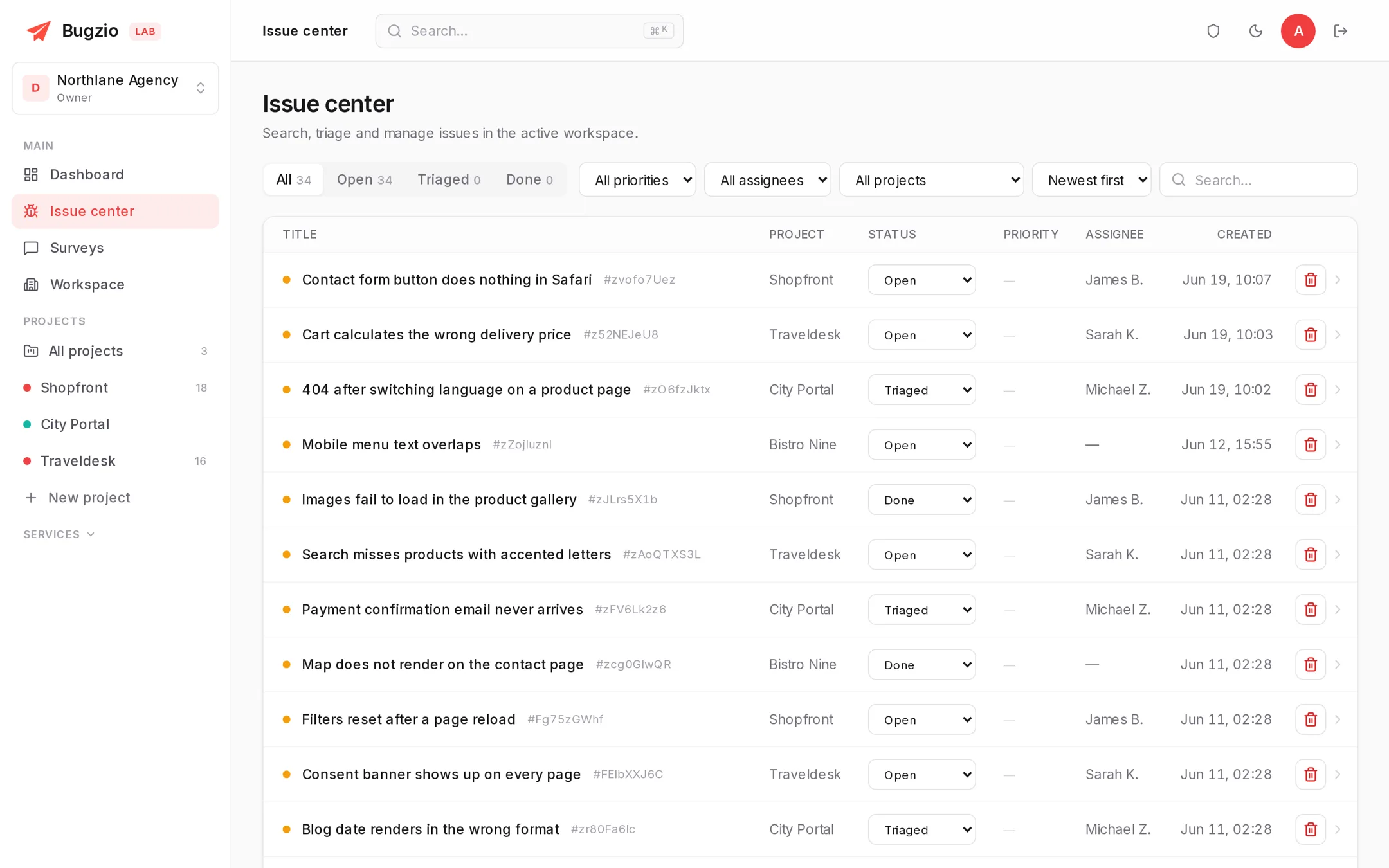
Product tour
A short recording: the client marks the problem on the site, and you get the screenshot, the console errors and the steps that led there.
Recorded in the real panel. Open the video separately
Why Bugzio
On the left, what a bug report usually looks like. On the right, the same report with everything the widget attaches to it on its own.
“Hi! Something on the website doesn’t work.”
“Which page? Which browser? Can you send a screenshot?”
“Not sure, it worked yesterday. I’ll try to send it later.”
“Cart calculates the wrong delivery price” — reported from /cart, Safari 17.4, macOS
Bug reporting
The widget installs with a single script line. Reporters don’t sign up — they mark the problem on the page and hit “Send”.
Highlights, arrows, text and blur applied right on the page.
JavaScript errors and warnings from the reporter’s browser.
A HAR capture with failed request statuses and timings.
A screen recording together with the microphone explanation.
Play back what happened right before the bug — no guessing.
An automatic timeline of clicks, input and page changes.
AI turns the captured context into a structured summary: title, reproduction steps, expected and actual result, a priority and a category. The developer starts with the fix, not the investigation.
Built-in monitoring
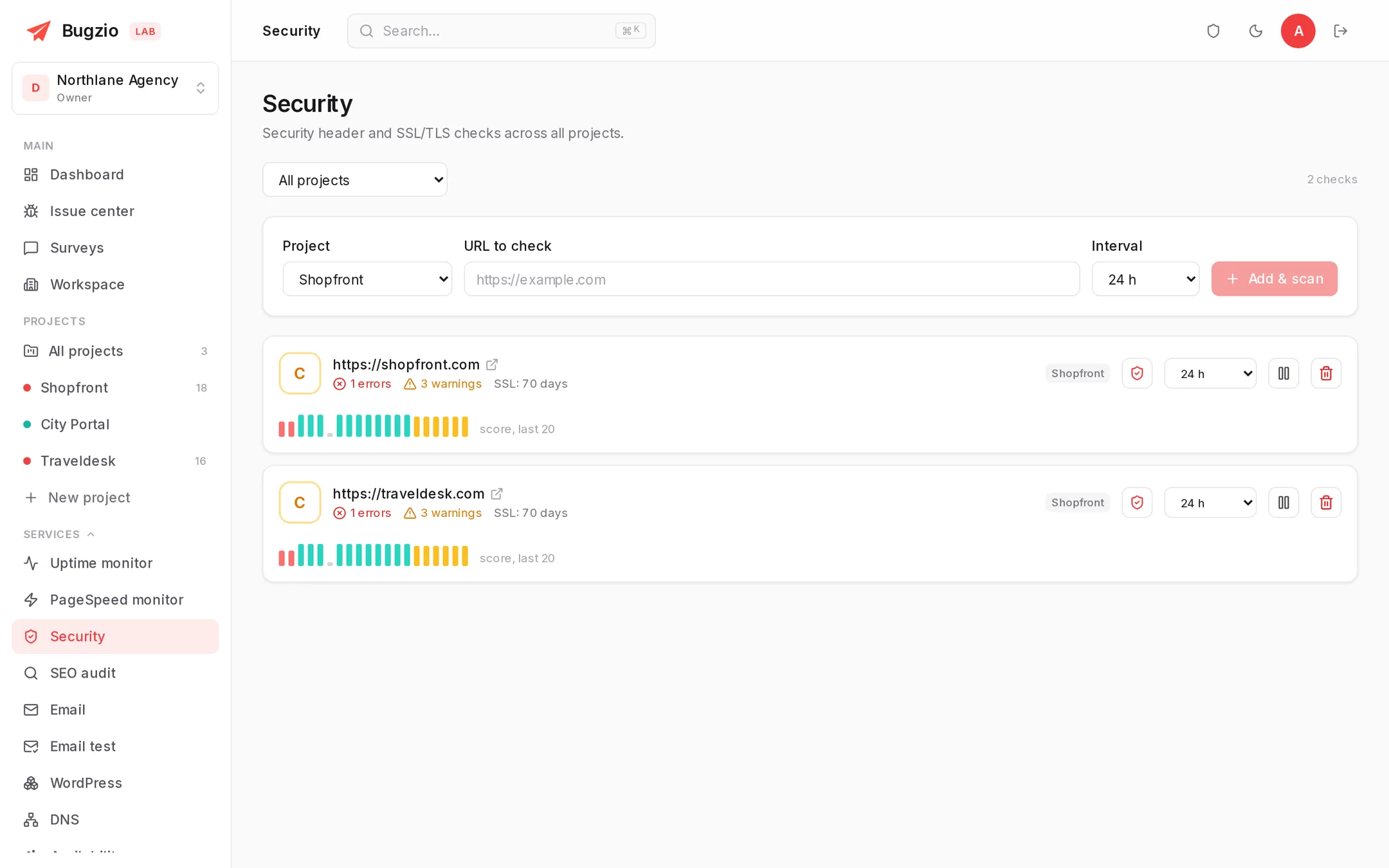
Bug reporting and site health in one subscription: 14 services scan your sites on a schedule, keep the history and grade every result from A to F — no separate monitoring tool to pay for.
Setup
No SDK to install and no waiting for the next development cycle. If the site is already live, this is a today job.
Create a workspace and enter the site address. One project per site.
Drop the widget tag in before </body>. On WordPress install our free plugin instead — the widget switches on with one click, no code.
<script src="https://app.bugzio.com/js/bgzi.js" data-token="…"></script>
Tick which of the 14 monitoring and audit services this site should get. The first results appear right away, the rest arrive on schedule.
Integrations and teamwork
Two-way sync with ClickUp, one-click export to Jira, Linear and GitHub, a Slack message per report, and a JSON webhook for everything else.
A report becomes a task, and changes to mapped custom fields come back into the report.
Push a bug into your dev tracker with one click.
Notifications about new reports in your channels or systems.
Show a bug to a client without a login — with view stats.
Statuses, priorities, assignees and a discussion on every bug.
Collect user feedback on the site with the same widget.
The free Bugzio plugin installs the widget without code and adds WordPress telemetry: version, plugins, updates and image optimisation.
Who it is for
One report, read by four people who each need something different from it.
Looks after client sites
Fixes the bugs
Keeps the process together
Reports the problem
Built for agencies
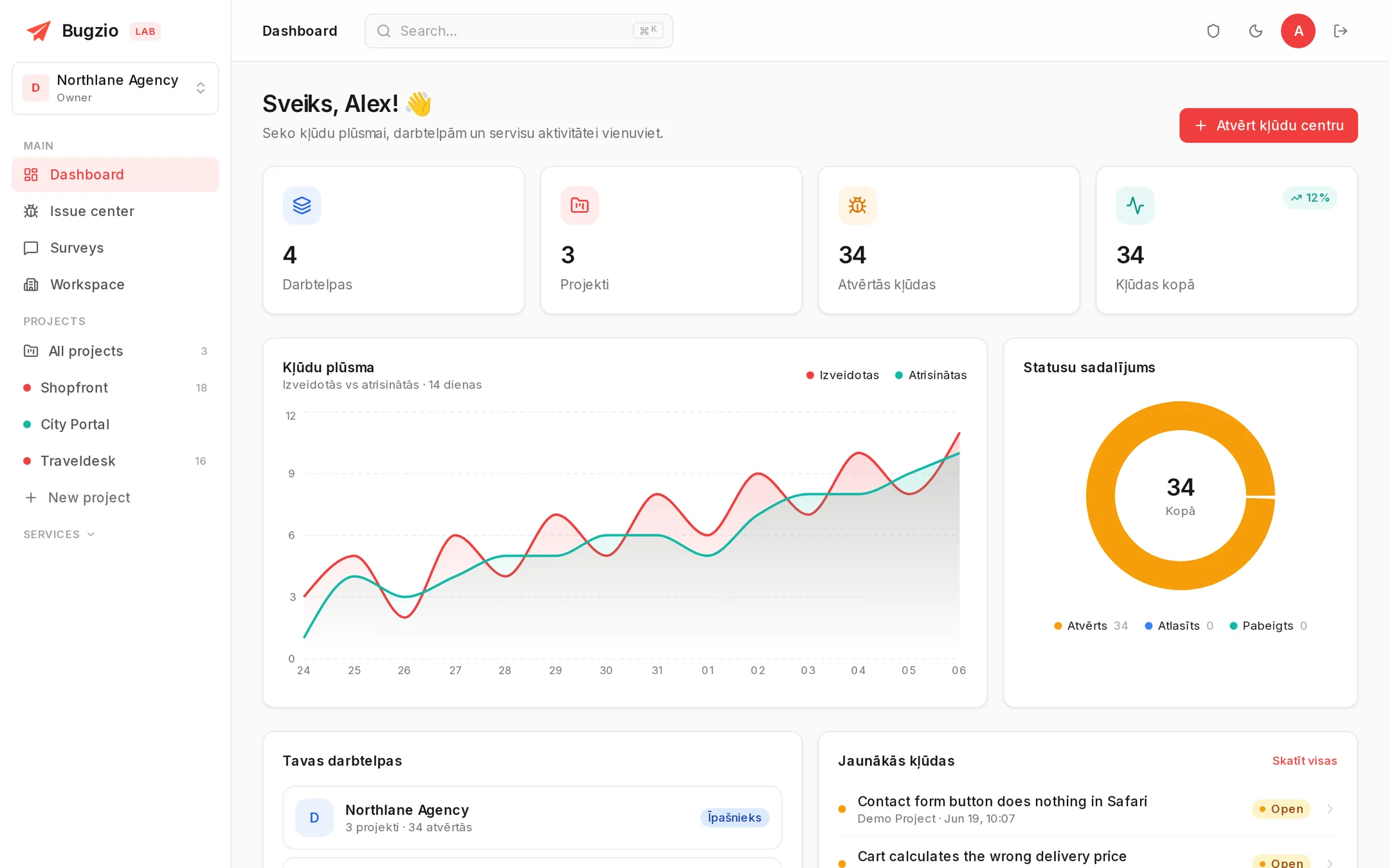
If you maintain client websites, Bugzio becomes your service: your logo, your domain, and a separate sub-workspace for every client once partner mode is agreed with us.
White-label widget and panel, no “powered by”.
The panel runs on your domain, emails come from your address.
Client sub-workspaces with their own branding and wholesale pricing. Partner mode is agreed separately from the plan.
Interface in Latvian, English, Russian, Estonian, Lithuanian and Finnish.
Free tools
Enter a domain and read the result. No account, and the checks are the same ones the monitoring services run in the panel.
Security, SEO, speed, accessibility, email authentication and blacklists in one scan.
FreeWordPress version, plugins and security configuration.
FreeSend a message and get a deliverability score (SPF, DKIM, DMARC).
FreeWhich cookies and trackers load before consent.
FreeEvery free Bugzio tool in one place.
Pricing
Everything in one subscription — bug reporting, 14 services and unlimited reporters. Priced per workspace, not per seat, starting at €5 a month.
Solo
For solo work and freelancers
€5/mo
150 credits/mo
1 site
1 seat
Starter
For small teams
€19/mo
300 credits/mo
3 sites
1 seat
Studio
Full context and the whole audit suite
€49/mo
1500 credits/mo
10 sites
2 seats
Agency
Your brand, client workspaces
€129/mo
6000 credits/mo
50 sites
10 seats
Clients, testers and colleagues report bugs without an account, and they are never counted. You only pay for the people working in the panel.
Unlimited credits and seats, SSO, a custom SLA and onboarding support. Get in touch: [email protected]
Client sub-workspaces with their own branding and wholesale pricing — sell Bugzio as your own product. Partner mode is agreed separately from the plan.
FAQ
<script> line into your site or install our free WordPress plugin. The widget appears in the corner you choose and the first report reaches the panel immediately.Servers in the EU (Germany), HTTPS everywhere, and a written list of the things we cannot claim yet. Security page →
Setup takes five minutes: add a project, paste the script, switch monitoring on.
No payment card · Unlimited reporters · Interface in 6 languages